
Workflow Automation
Let your tools handle the follow-up, so your team doesn't have to.
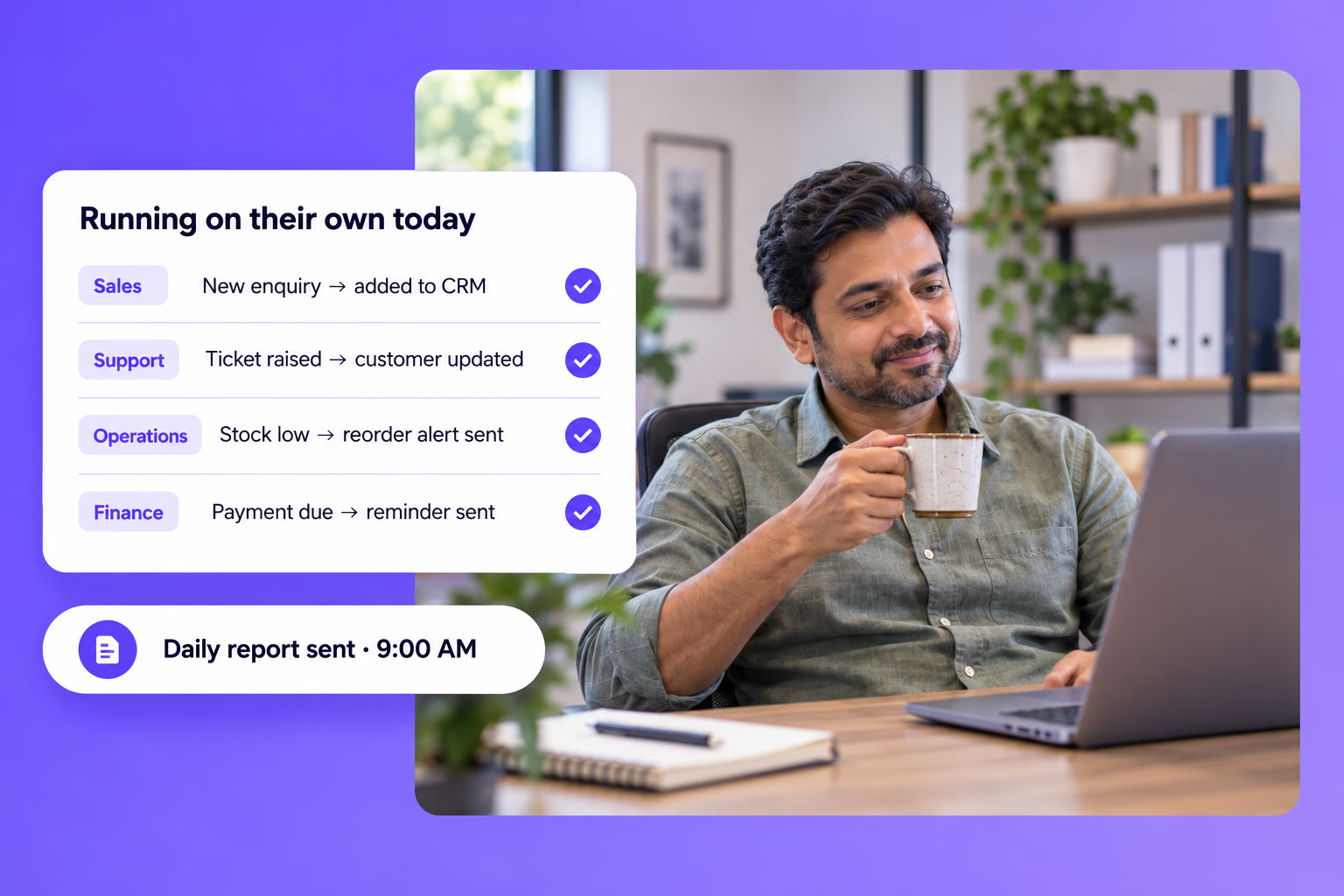
Takes the copy-paste out of your day. When something happens in one tool, like a form being filled, an order coming in or a payment falling due, the next steps run on their own in the others.
Where things slip today
The everyday gaps Workflow Automation is built to close.
Hours lost to copy-paste
Details get typed from forms into sheets, from sheets into the CRM, and from the CRM into messages.
Things slip when someone is busy
Reminders, follow-ups and updates depend on someone remembering to send them.
Your tools don't share information
Each tool holds part of the picture, so nobody sees the whole thing.
From first conversation to up and running
- Step 01
We map your process
We walk through the task step by step and note every place something is done by hand.
- Step 02
We design the workflow
We decide what starts each step, what should happen next, and who needs to know.
- Step 03
We connect your tools
We link the tools you already use so information moves between them on its own.
- Step 04
We test and hand over
We run it on real work, fix what needs fixing, and show your team how it runs.
What's included
Works with your existing tools
Connects the forms, sheets, email and messaging tools you already use.
Scheduled reminders
Payment, appointment and renewal reminders go out on time.
Automatic updates
Customers and your team are told when something changes.
Daily and weekly reports
Your key numbers are pulled together and sent to you on schedule.
Alerts
Get told when stock runs low, a payment is overdue or a lead goes quiet.
Custom tasks
If a repetitive task doesn't fit our other services, we can automate it here.
What changes for your business
- Fewer manual errors
- Information is passed along by the system, not retyped by hand.
- Nothing depends on memory
- Follow-ups and reminders run whether or not anyone remembers them.
- Time for real work
- Your team spends its day on customers, not admin.
Where it works best
Industries
Use cases
- Lead ManagementEvery lead is captured, qualified, and routed automatically the moment it arrives.
- Business IntelligenceYour key numbers are pulled into one clear, always-current view.
Talk to us about Workflow Automation
Book a free consultation. We'll look at how you work today and show you where this fits.
Book a Free Consultation